

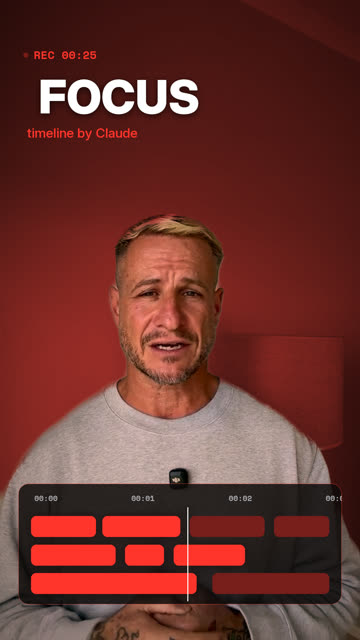
Lists and stats
A dark cinematic grade with an editing timeline and a glowing playhead.
Effect · Lists and stats
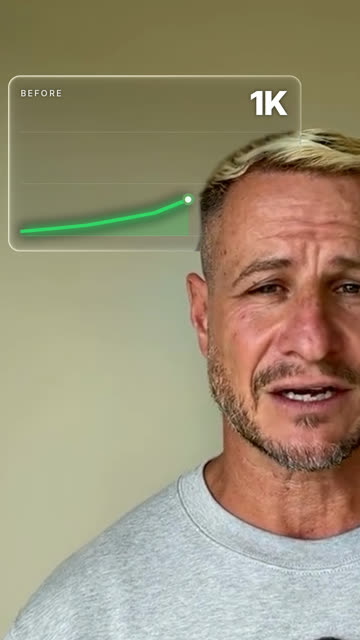
Over-the-shoulder graphs is one of SkilledCut's 50+ video effects: the camera pushes into a corner and a graph pops beside your head. To add it, give your AI agent your video and one sentence, such as "Add the Over-the-shoulder graphs effect on my strongest line". SkilledCut renders it on your computer and nothing is uploaded.
Copy this, paste it into your AI agent with your video:
Add the Over-the-shoulder graphs effect on my strongest lineThe camera pushes into a corner and a graph pops beside your head.
Like every SkilledCut effect, it is placed to keep your face clear, and it looks best on screen for 1.5 to 4 seconds.
Say what you want in plain words; your AI agent passes it to SkilledCut. Anything you leave out uses the default.
Two numbers, two camera moves: for comparing a before and an after, or one result against a total.
A dark cinematic grade with an editing timeline and a glowing playhead.
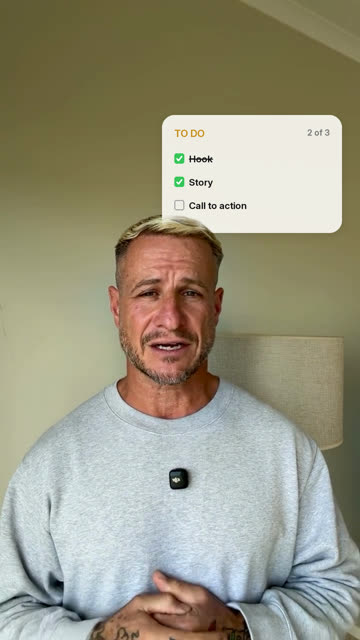
A checklist card beside your head ticks off as you talk.
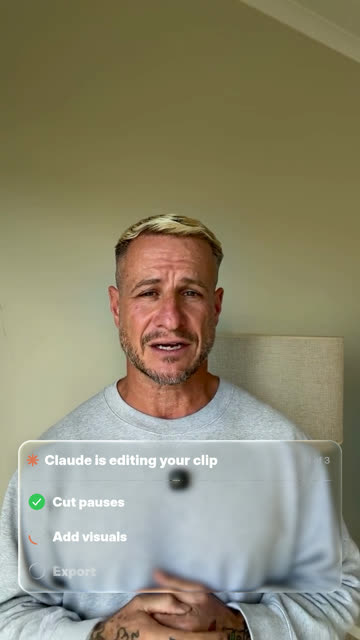
A task list builds under your chin; each step spins, then ticks green.
Add Over-the-shoulder graphs on top of a finished look from the Templates, or browse all 50+ effects.
Give your AI agent your video and say "Add the Over-the-shoulder graphs effect on my strongest line". Change the words or the time to suit your clip; a window of 1.5 to 4 seconds looks best. In Claude Code you can also type /effects and name Over-the-shoulder graphs. SkilledCut then renders it on your computer.
The two graph labels; separate them with |; The two numbers; separate them with |, such as 197K|672K; How far the camera pushes into each corner. Anything you leave out uses the effect's default.
Two: the camera pushes into one top corner for the first graph, then into the other corner for the second. Give two labels and two numbers.
More answers in the Guide →
One payment for every template, effect, voice and workflow, plus all upcoming templates. Pay once, use forever.