

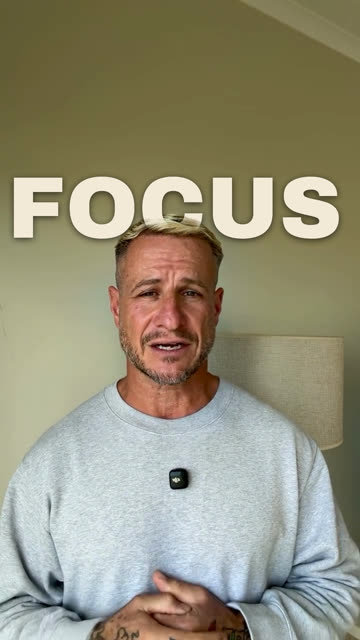
Text
A giant word drops in behind you.
50+ effects. Say the name.
A giant word drops in behind you.
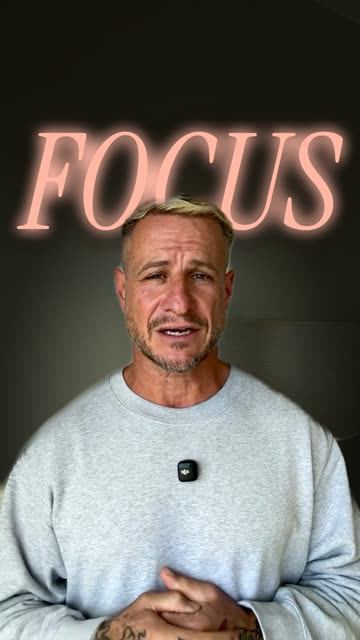
The room goes dark, you stay lit, a glowing word sits behind you.
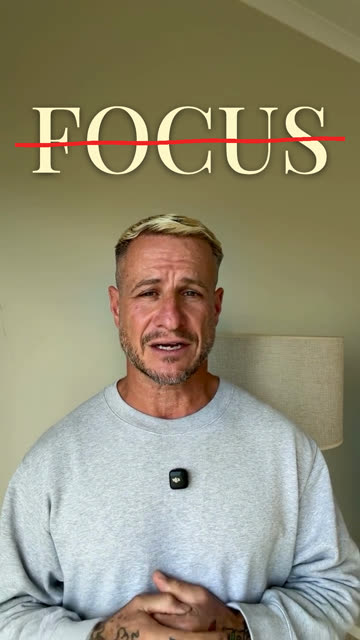
One huge serif word fills the wall, then a red line crosses it out.
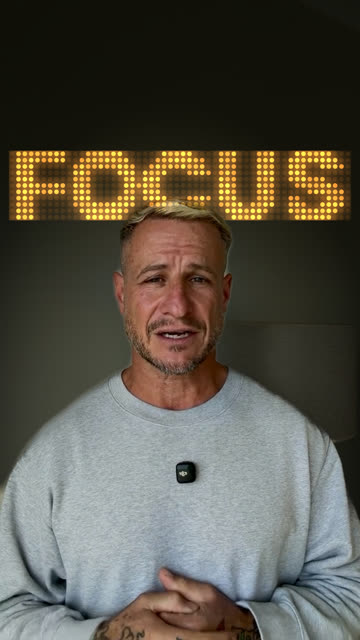
The lights drop and a glowing LED sign types itself out behind you.
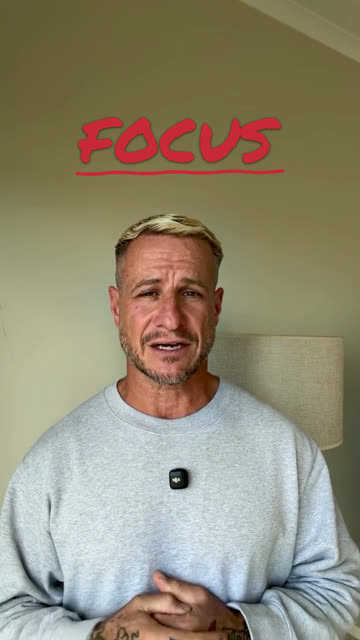
A red crayon writes your word behind your head, then underlines it.
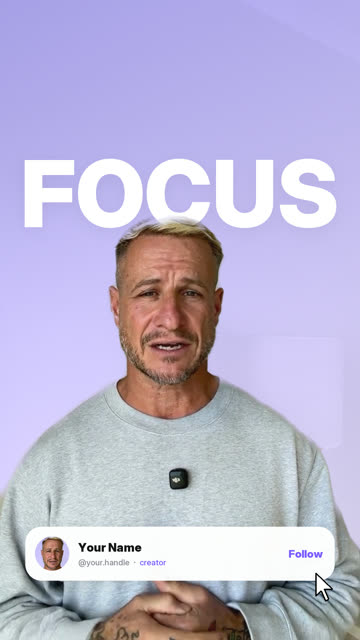
A soft lavender backdrop with a giant word and a profile card.
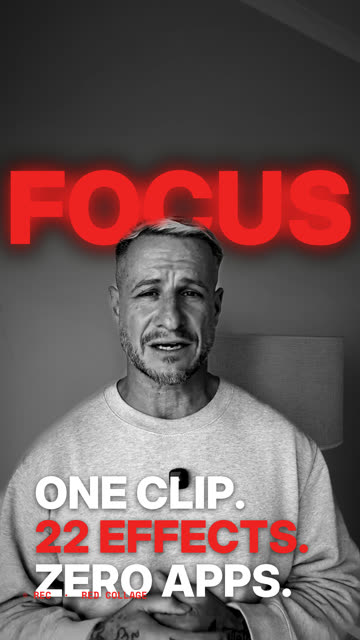
Black and white you, a giant red word behind, kinetic type beside you.
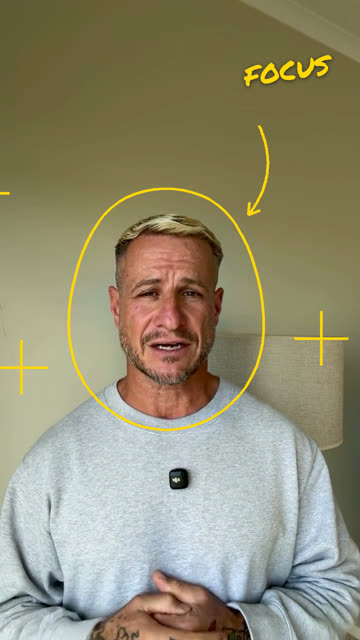
Marker doodles draw themselves around you.
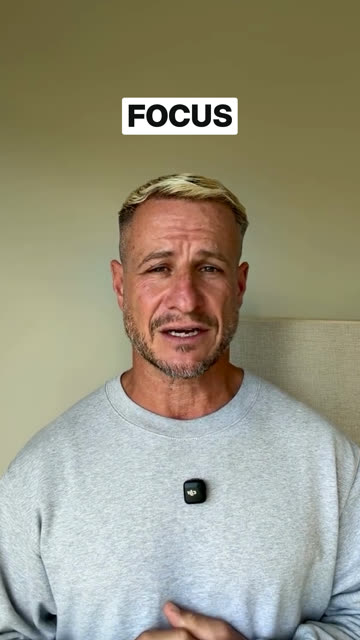
A punch-in with a clean two-line headline, the second line in a white box.
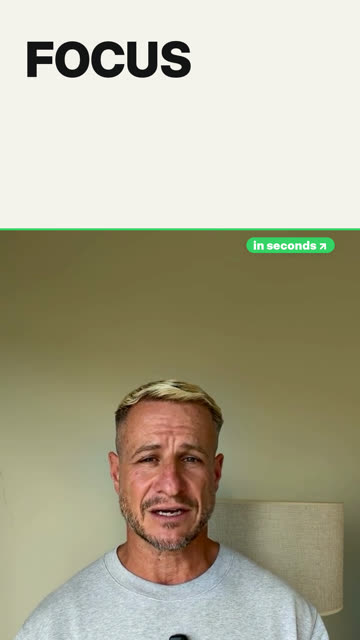
A clean headline card slides down and pushes you to the bottom.
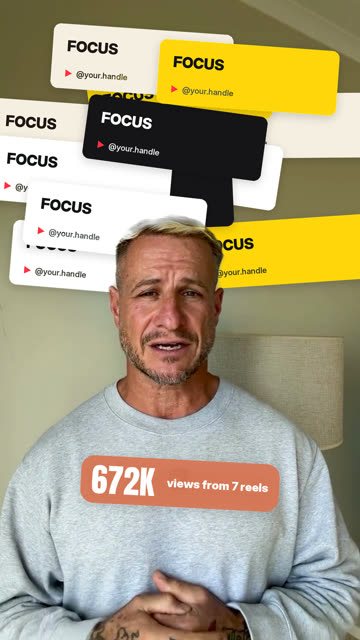
A wall of headlines piles up behind your head, then a total pops in front.
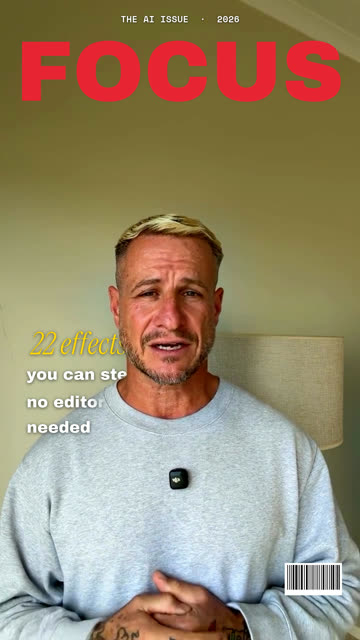
You become a magazine cover with the title behind your head.
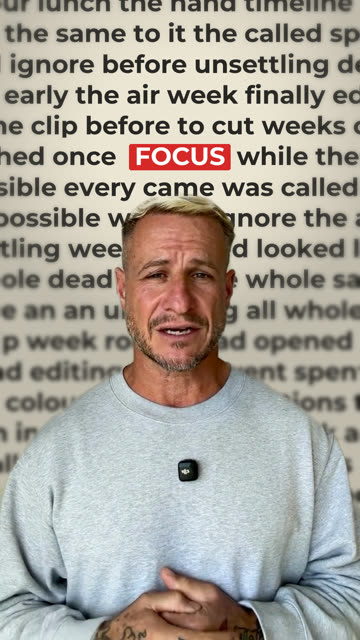
News pages cut on one word, locked in place behind your head.
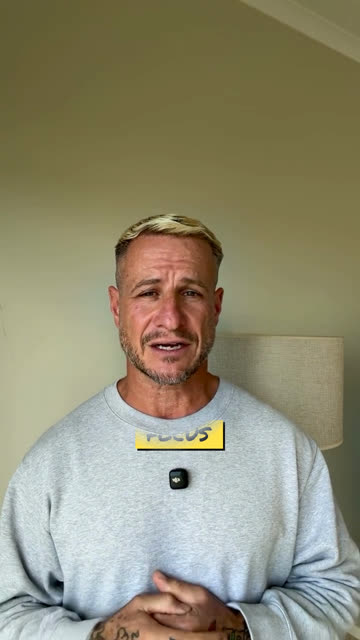
A strip of yellow tape with your line lands on your chest.
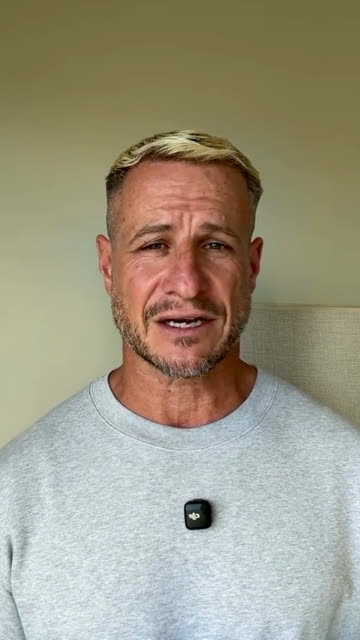
A fast punch-in on one word.
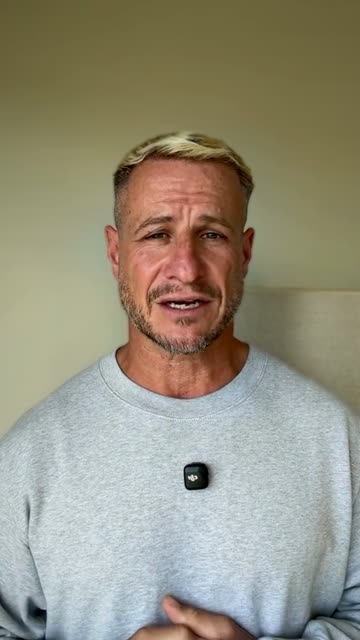
A slow cinematic push-in to your face while the room melts out of focus.
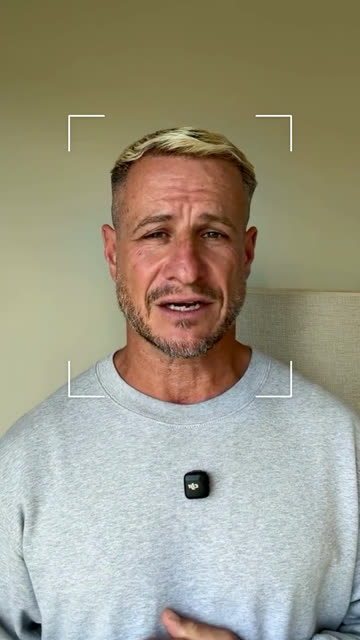
Corner brackets snap onto your face and the camera follows you.
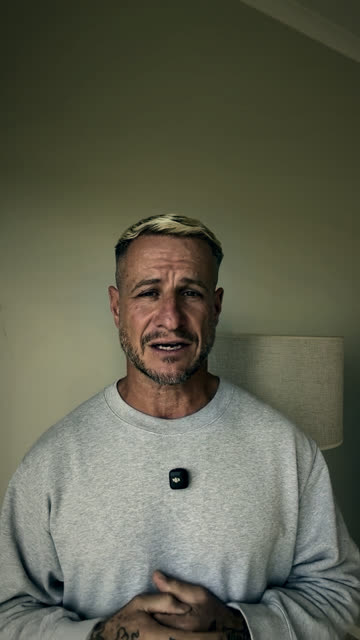
A moody colour grade: darker, softer, teal shadows.
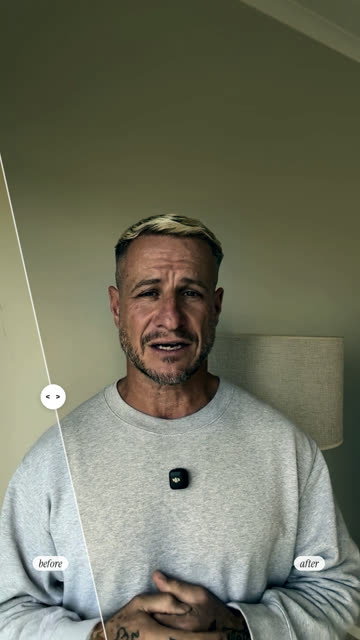
A slider sweeps across you from before to after.
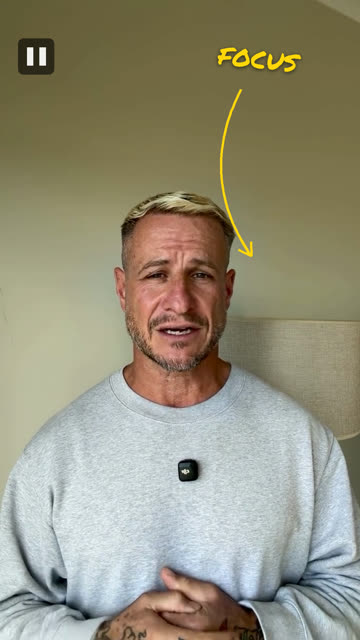
Freeze the frame and point at something with a hand-drawn arrow.
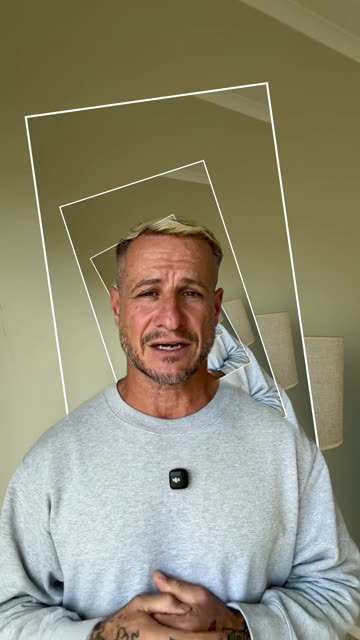
The frame tunnels into itself, spinning.
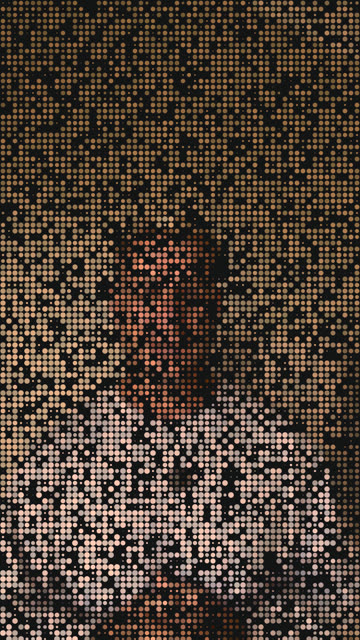
Your shot builds itself out of glowing dots, then snaps into the full picture.
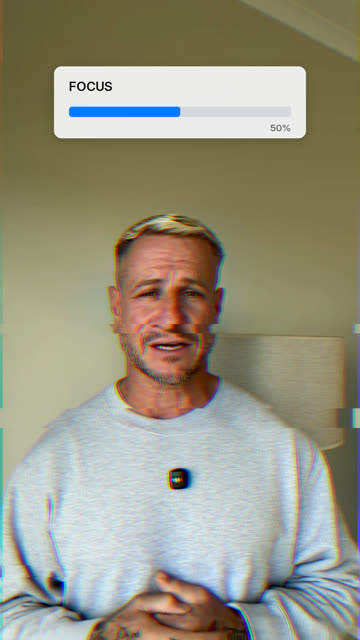
A glitchy uninstall bar breaks the frame apart.
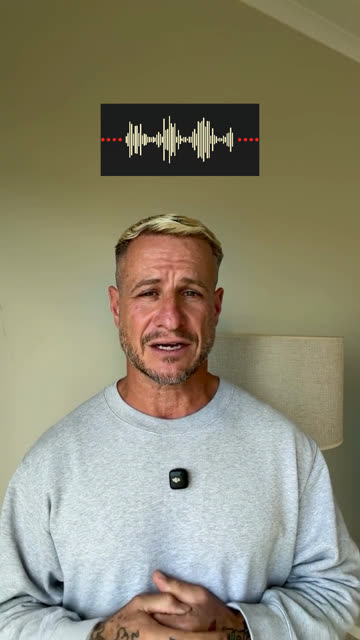
Silent parts of your voice are trimmed on screen until only your words are left.
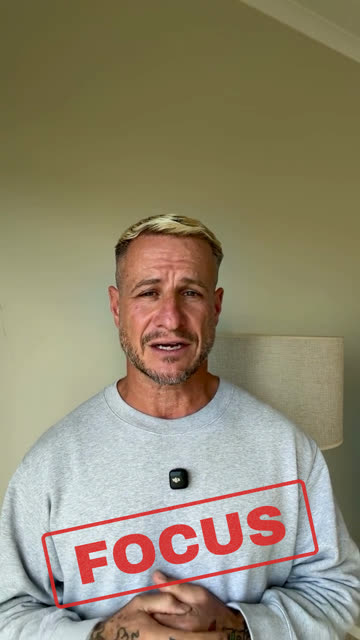
A big red stamp slams onto the screen.
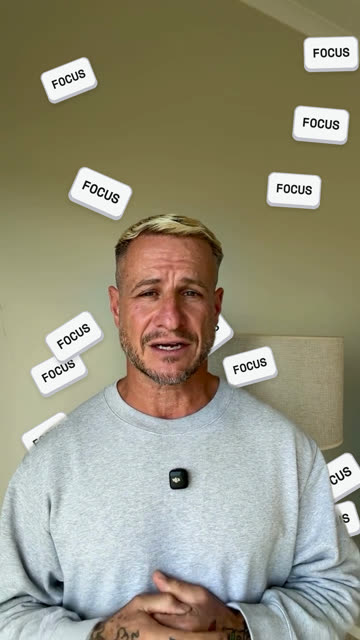
Keyboard keys rain down behind you.
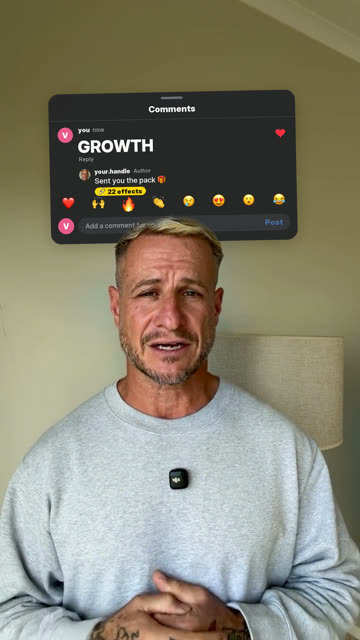
An Instagram comment bar types a word and posts it.
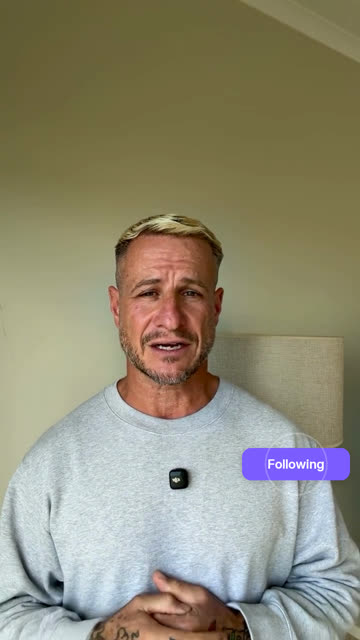
A Follow button pops up and flips to Following.
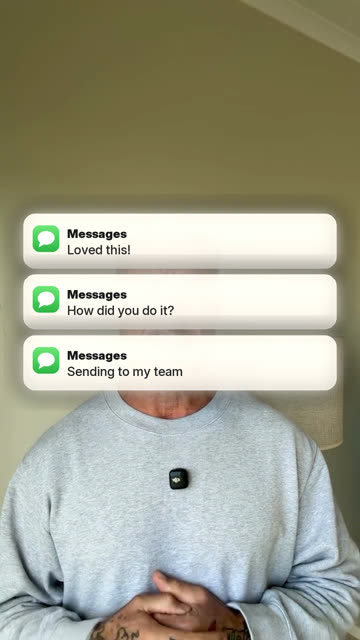
iMessage notifications pop in one after another above the bottom of the frame.
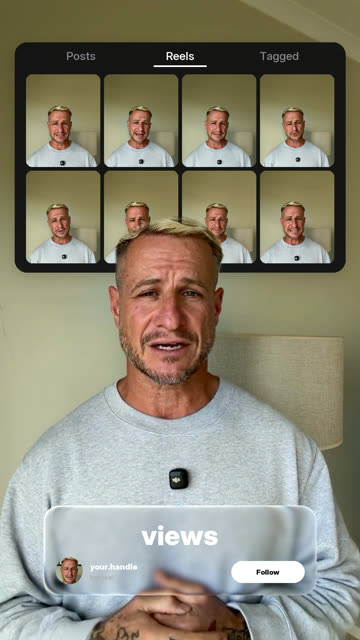
Your profile grid fills the wall behind you while a counter ticks up.
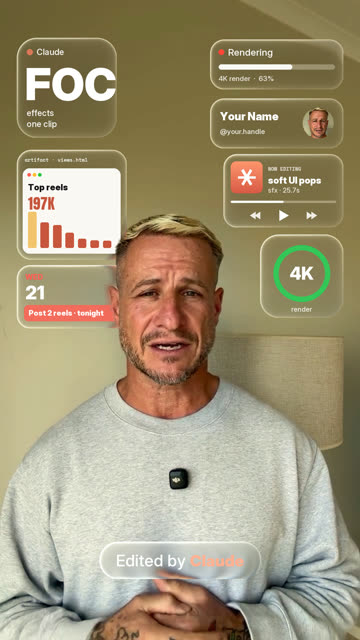
Frosted widgets and mini cards float around your head.
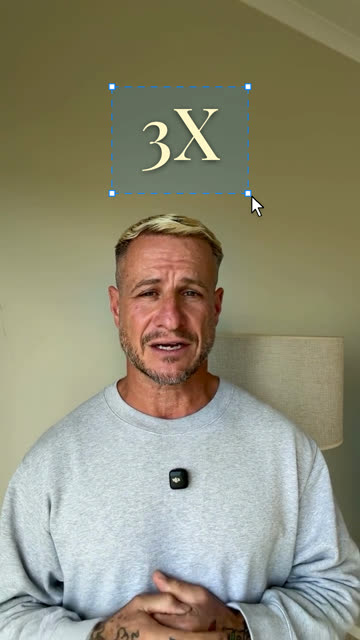
A selection box grabs your number and a cursor drags it bigger.
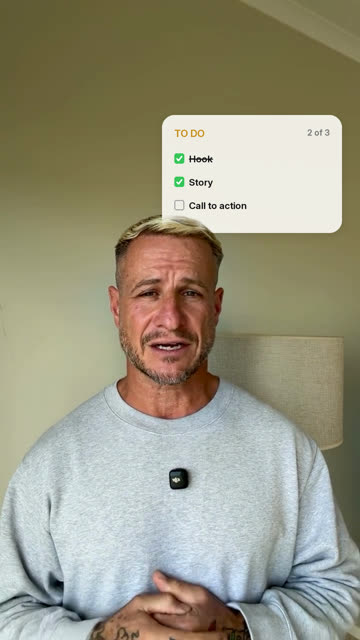
A checklist card beside your head ticks off as you talk.
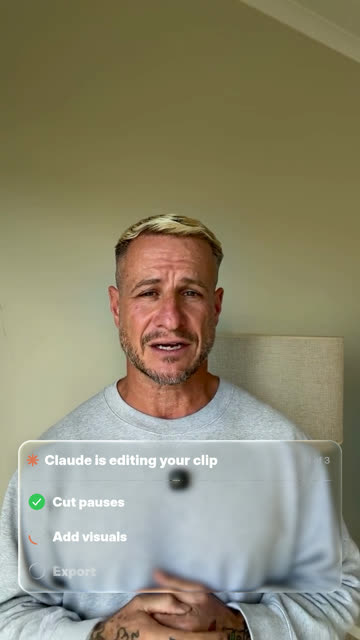
A task list builds under your chin; each step spins, then ticks green.
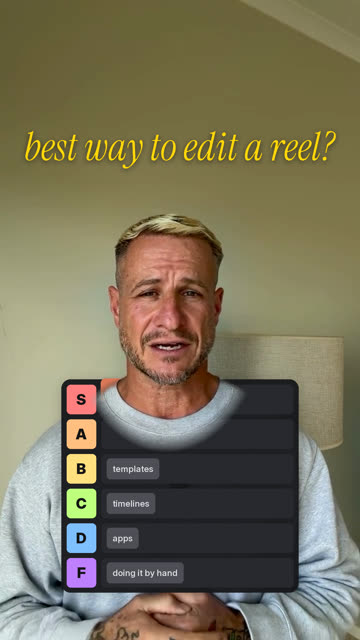
A tier list drops in front of you and your pick flies into S tier.
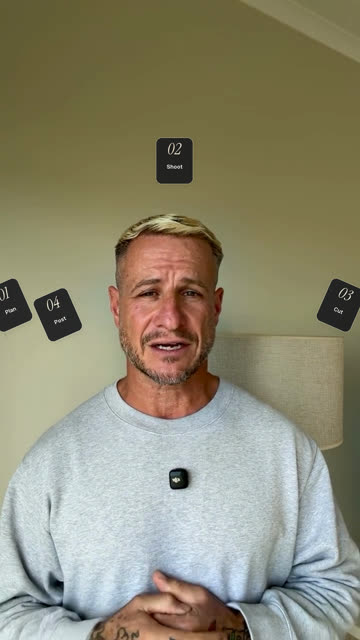
Numbered tiles fan out in an arc above your head.
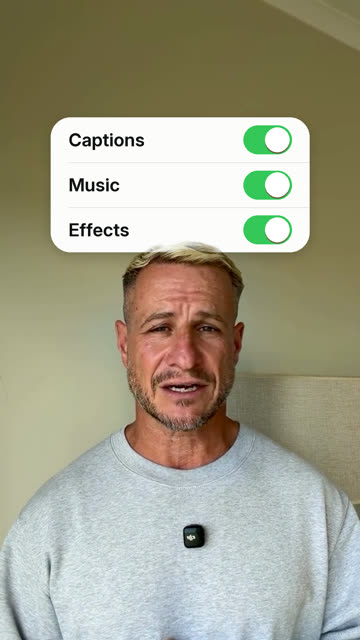
A settings card flips its switches on, one line at a time.
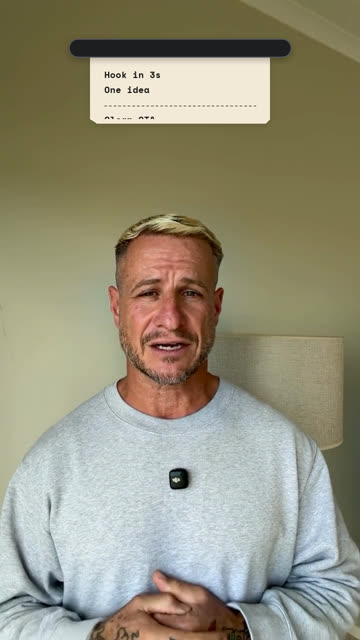
Your instructions print like a receipt into the wall above your head.
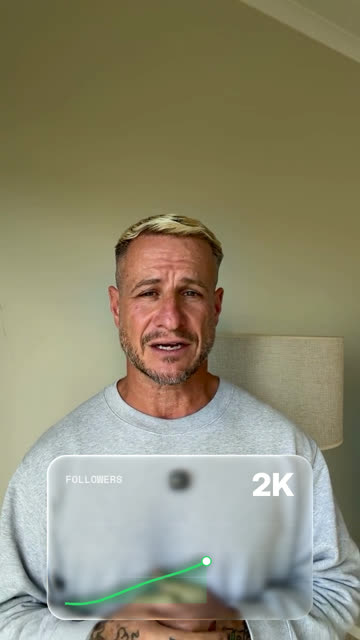
A glass card floats under your chin while a graph climbs and the number counts up.
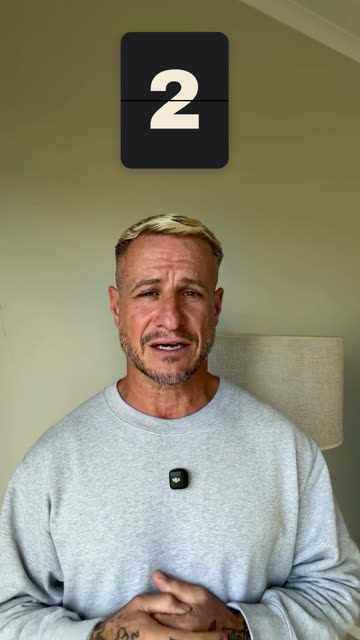
A 3, 2, 1 flip clock above your head.
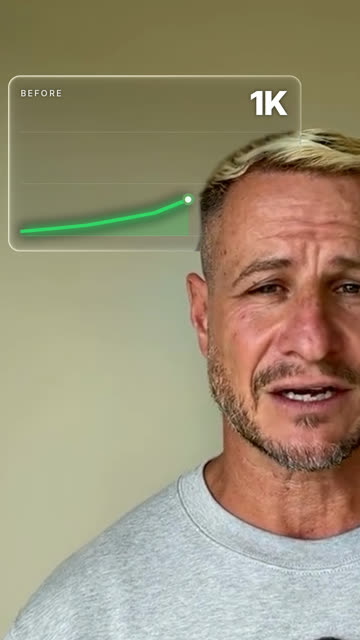
The camera pushes into a corner and a graph pops beside your head.
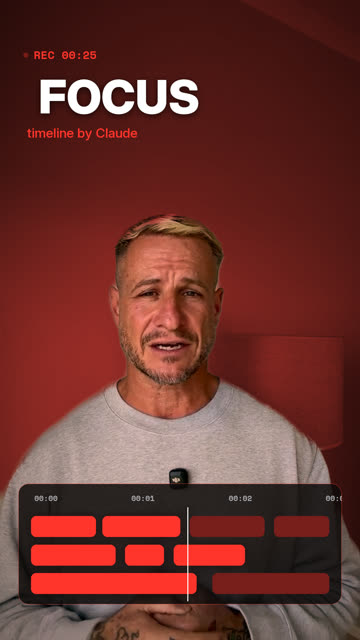
A dark cinematic grade with an editing timeline and a glowing playhead.
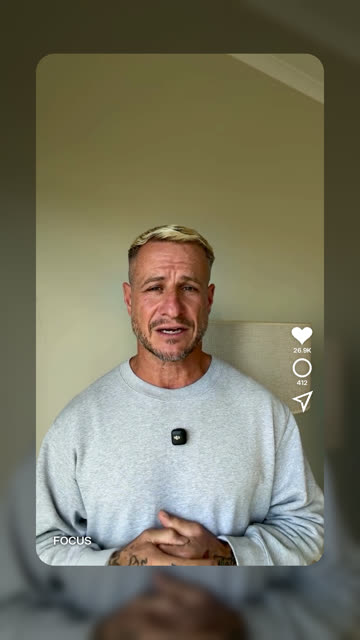
Your video shrinks into a reel card.
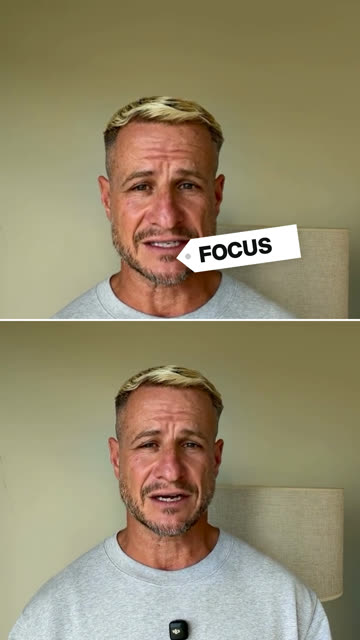
Split screen: b-roll on top with a price-tag sticker, you below.
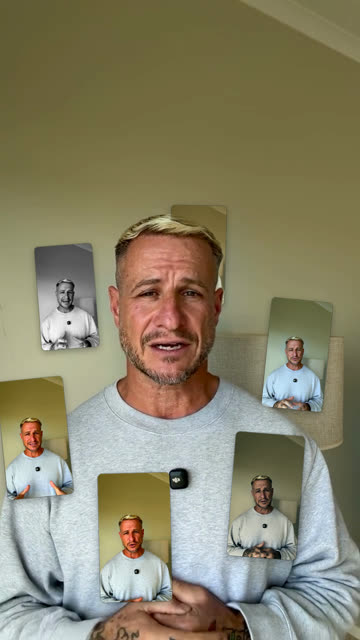
Your reels circle your head: in front at the bottom, behind at the top.
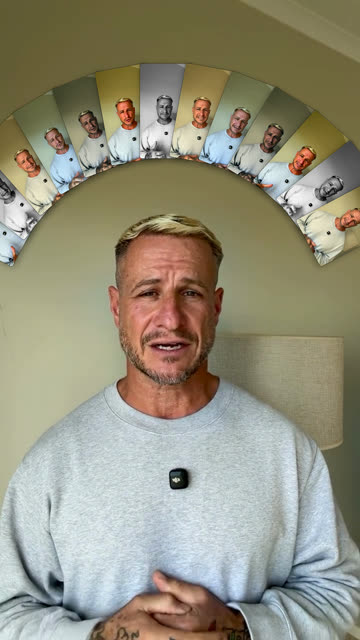
Your covers deal into a fan behind your head, one card at a time.
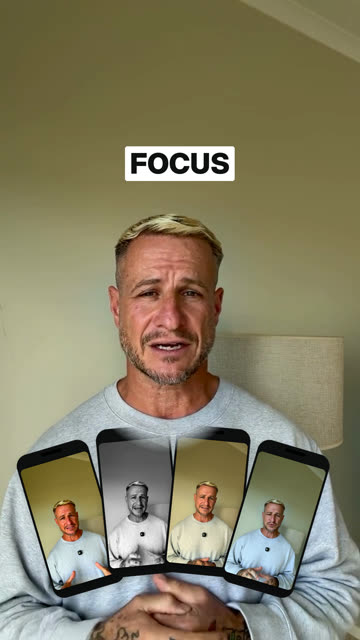
Your reels fan out like a hand of phones in front of you.
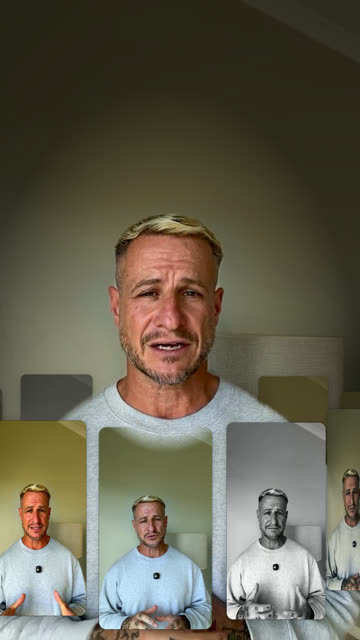
Your reels spin around you in a 3D carousel, then slow to a stop.
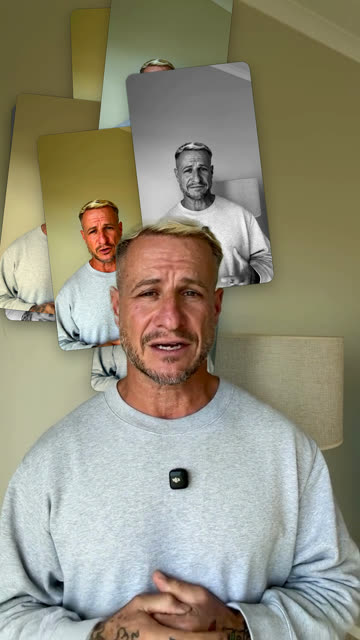
Reels pile up behind your head, one every quarter second.
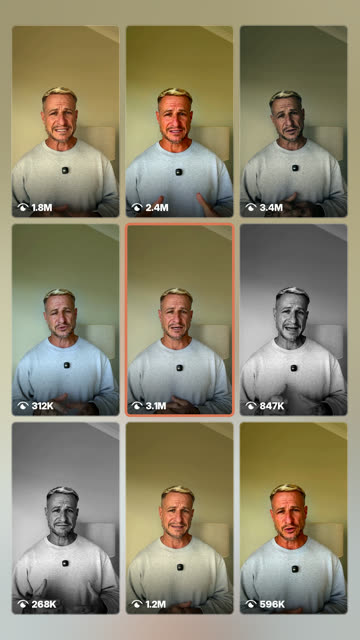
You shrink into the centre tile of your 3x3 profile grid.
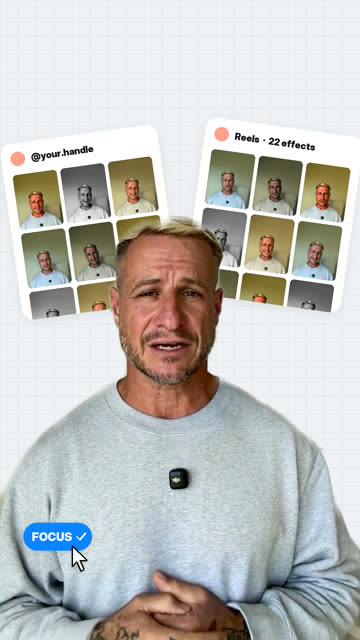
Reels pinned on a grid wall with blue pills that get clicked.
Copy the sentence under any card and paste it into your AI agent with your video; SkilledCut adds the effect. Change the word or the time to suit your clip.
Yes. Ask for several in one prompt, or add one to a finished template.
No. Effects sit behind you or beside you, away from your face.
More answers in the Guide →
One payment for every template, effect, voice and workflow, plus all upcoming templates. Pay once, use forever.