

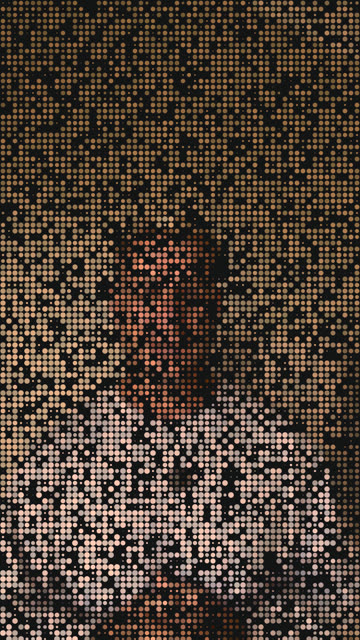
Camera
Your shot builds itself out of glowing dots, then snaps into the full picture.
Effect · Camera
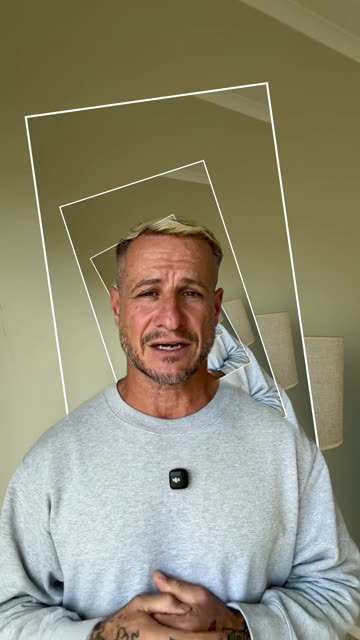
Rabbit hole is one of SkilledCut's 50+ video effects: the frame tunnels into itself, spinning. To add it, give your AI agent your video and one sentence, such as "Add the Rabbit hole effect on my strongest line". SkilledCut renders it on your computer, nothing is uploaded, and it is included in the one-time plan.
Copy this, paste it into your AI agent with your video:
Add the Rabbit hole effect on my strongest lineThe frame tunnels into itself, spinning.
Like every SkilledCut effect, it is placed to keep your face clear, and it looks best on screen for 1.5 to 4 seconds.
Say what you want in plain words; your AI agent passes it to SkilledCut. Anything you leave out uses the default.
A spinning tunnel for "down the rabbit hole" moments, deep dives and transitions into a story.
Your shot builds itself out of glowing dots, then snaps into the full picture.
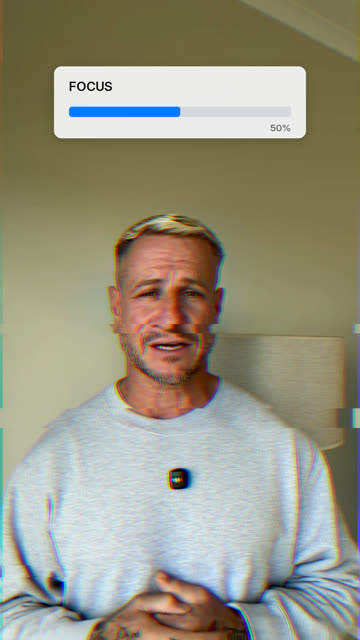
A glitchy uninstall bar breaks the frame apart.
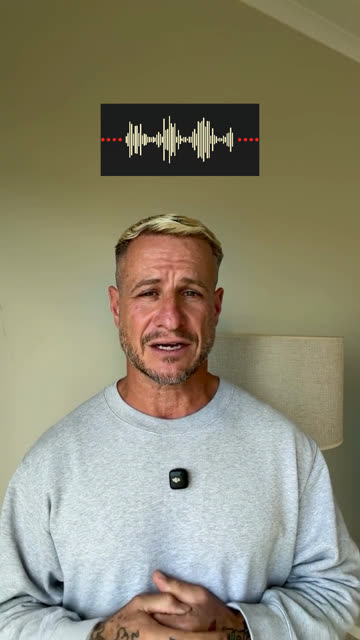
Silent parts of your voice are trimmed on screen until only your words are left.
Add Rabbit hole on top of a finished look from the Templates, or browse all 50+ effects.
Give your AI agent your video and say "Add the Rabbit hole effect on my strongest line". Change the words or the time to suit your clip; a window of 1.5 to 4 seconds looks best. In Claude Code you can also type /effects and name Rabbit hole. SkilledCut then renders it on your computer.
How fast the frame tunnels in. Anything you leave out uses the effect's default.
More answers in the Guide →
One payment for every template, effect, voice and workflow, plus all upcoming templates. Pay once, use forever.