

Vertical 9:16
Wine
NewPuts you in a wine-red studio with a glass phone card behind your head and your words popping in as you say them.
Vertical 9:16Hook reels
Ads & products · best for product ads from a photoNew
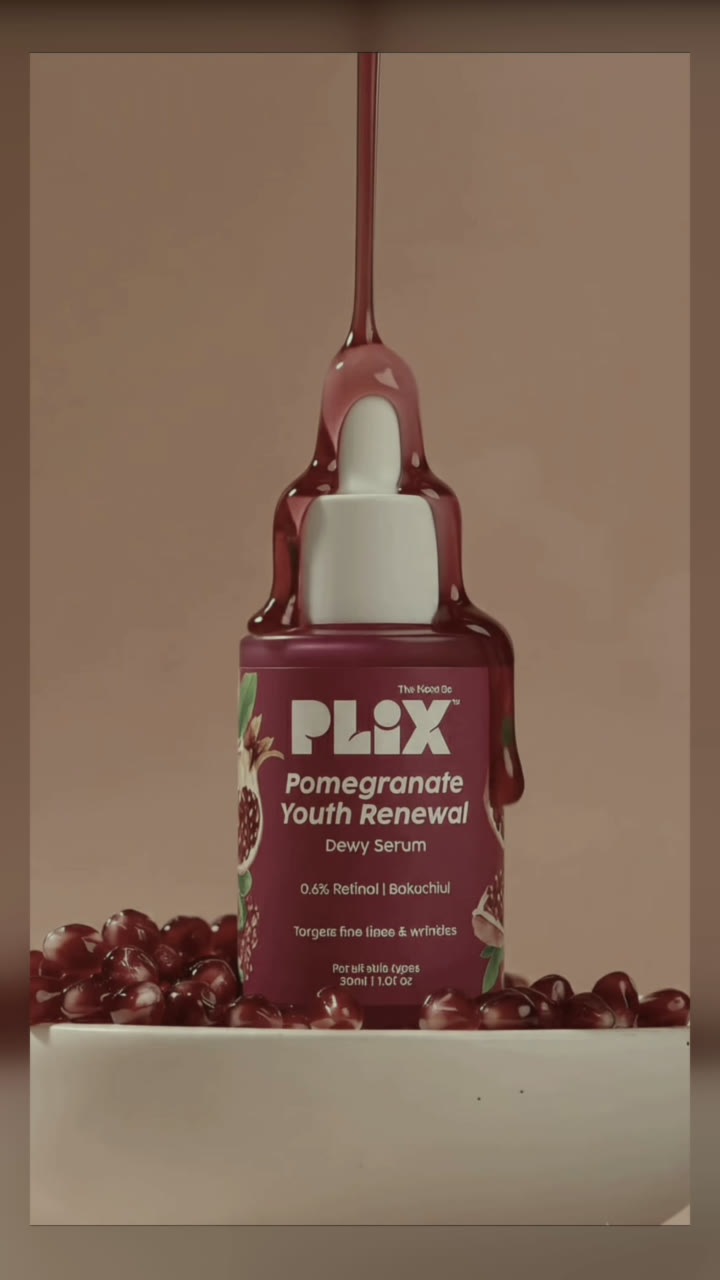
The same clip, before and after. Tap a video for sound.
Turns a product photo into a hero ad: the product floats and turns in a swirl of light, no filming needed.
Formats: Vertical 9:16
Command:/float-ad
The prompt behind the ad on this page:
/float-ad on this product photo [drag in the photo]. Make the floating hero ad: the serum cut out and turning in light streaks, with the name Plix and the line Pomegranate youth renewal on the final hold.What it adds
Give it one to six product photos; each product is cut out of its background, no filming needed.
The product floats and turns in a swirl of light streaks and particles, with a reflection under it.
A speed-ramped camera gives each product its own shot, with its name on the hold if you want it.
AI-directed
The template's own motion carries this look: no extra cards on top.
Float Ad runs on Mac for now.
How to use it
Paste the setup prompt from your thank-you page or your Dodo email. It takes a few minutes.
Ask your AI agent for the Float Ad template (or /float-ad where your app has slash commands) and point it at your photos. It plans the edit with SkilledCut and reviews the result. No AI agent? Use quick mode.
The finished MP4 is saved in your Downloads folder, with a short quality report.
More templates
Puts you in a wine-red studio with a glass phone card behind your head and your words popping in as you say them.
A candle-lit plum studio with a frosted card behind you, serif words, a rose-gold orb and a bold word to close.
A full motion-graphics edit from one plain clip: words behind your head, plates, charts and cards.
You are cut out onto a clean white studio and step aside for each idea: a small serif lead-in, one huge keyword and an animated interface card from your own words.
Weighing options? Read how Float Ad compares in SkilledCut vs CapCut, Descript, Opus Clip and more.
One payment for every template, effect, voice and workflow, plus all upcoming templates. Pay once, use forever.