

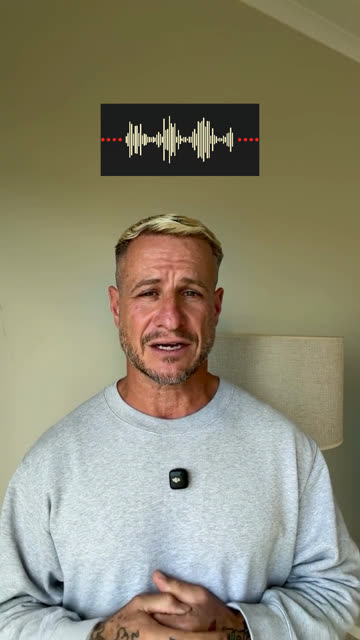
Camera
Silent parts of your voice are trimmed on screen until only your words are left.
Workflow · /cutpauses
Clean cut removes the pauses and dead air from a video and leaves everything else alone. Type /cutpauses or ask your AI agent to just cut the pauses in your latest video. SkilledCut finds the quiet gaps between words on your computer and cuts them, never inside a word, with no captions or effects added.
In apps with slash commands:
/cutpausesIn Claude, Codex, Cursor or any AI agent, say:
Just cut the pauses in my latest videoType /cutpauses where your AI agent has slash commands (Claude Code, for example), or say "Just cut the pauses in my latest video" in Claude, Codex, Cursor or any connected agent, and give it your video.
The finished video is saved in your Downloads folder, made on your computer.
Anyone who records in one long take and wants a tighter video before posting it or before adding their own edit.
Silent parts of your voice are trimmed on screen until only your words are left.
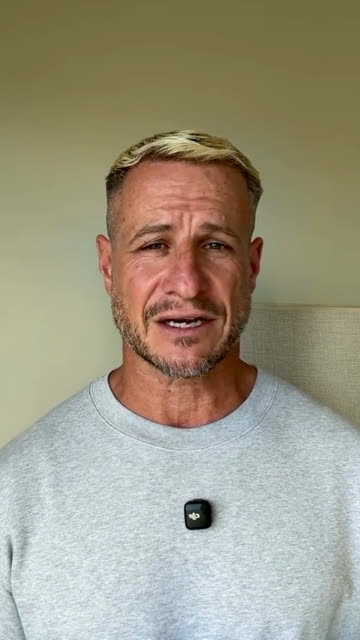
A fast punch-in on one word.
Other workflows: Reel, Captions, Shorts, Voice-over, Rough cut for your editor, Merge. Every command is in the Guide.
No. It only removes pauses and dead air. Ask for captions, effects or a Template separately, or in the same message.
No. It cuts only quiet gaps between words, at word boundaries.
Yes: that is the Rough cut workflow. Type /cutpauses premiere and you get the same cut as a Premiere Pro, DaVinci Resolve or Final Cut Pro timeline.
More answers in the Guide →
One payment for every template, effect, voice and workflow, plus all upcoming templates. Pay once, use forever.