Lists and stats
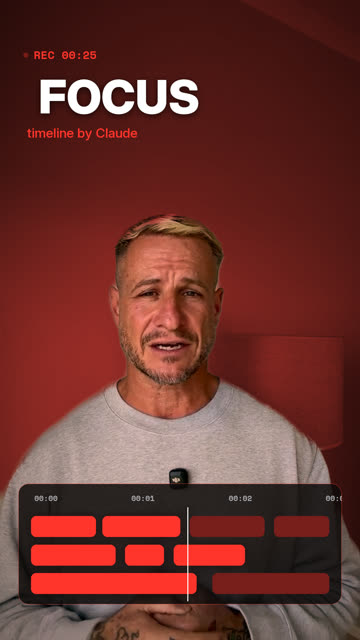
A dark cinematic grade with an editing timeline and a glowing playhead.
Workflow · /cutpauses premiere
The Rough cut workflow gives you the pause-free cut as a timeline for your own editor. Type /cutpauses premiere or ask your AI agent for a rough cut for Premiere. SkilledCut cuts the pauses on your computer and saves a Premiere Pro XML and a DaVinci Resolve / Final Cut Pro FCPXML timeline, plus a cut video.
In apps with slash commands:
/cutpauses premiereIn Claude, Codex, Cursor or any AI agent, say:
Give me a rough cut of my latest video for PremiereType /cutpauses premiere where your AI agent has slash commands (Claude Code, for example), or say "Give me a rough cut of my latest video for Premiere" in Claude, Codex, Cursor or any connected agent, and give it your video.
The timeline files and a cut video to preview are saved in your Downloads folder.
Video editors and creators who finish colour, sound and titles in Premiere Pro, DaVinci Resolve or Final Cut Pro and want the boring first pass done.
Premiere Pro (XML) and DaVinci Resolve or Final Cut Pro (FCPXML). You also get a cut video to preview.
No. The rough cut is the clean cut only, so you finish colour, sound and titles in your editor.
Yes. The cut and the timeline files are made on your computer; nothing is uploaded.
More answers in the Guide →
One payment for every template, effect, voice and workflow, plus all upcoming templates. Pay once, use forever.